Most South African contractors do not lose money on one big mistake. They lose it in small gaps: a material order placed without checking the budget, a subcontractor claim paid late, or a progress claim submitted weeks after the costs were paid. By the time the month-end report arrives, the margin has already moved.
Construction financial management software closes those gaps. It links project budgets, procurement, job costing, payments and reporting in one system, so finance teams and project managers work from the same numbers. This guide explains how it works, how it compares with spreadsheets and accounting-only packages, and what South African contractors should check before choosing a platform.
Why project finances are harder to control right now
Construction costs are moving faster than many tender estimates allow for. Stats SA's Construction Material Price Indices show the total construction input price index up 7.7% year on year in September 2026, compared with 4.3% in March 2026. An estimate prepared at tender stage can drift quickly if nobody compares it with live costs.
The effect on margin is easy to calculate. On a R20 million contract, a 5% overrun is R1 million of profit gone. Most contractors face the same set of problems:
• Budgets are tracked in spreadsheets that are updated weekly or monthly, not as costs are committed.
• Purchase orders are raised without a live view of what is left in the budget.
• Suppliers, workers and subcontractors must be paid before the client pays the progress claim.
• Costs from several sites sit in different files, so project-level profit is only known after the project closes.
• VAT invoices and supporting documents are scattered across email, paper and shared drives.
If these sound familiar, the issue is usually not effort. It is that the information is disconnected.
Spreadsheets vs accounting software vs construction financial management software
Most contractors start with spreadsheets and an accounting package. Both have a place, but they are built for different jobs.
| Need | Spreadsheets | Accounting software | Construction financial management software (ERP) |
| Budget vs actual by cost code | Manual, error-prone | Limited, usually by account | Built in, by project and cost code |
| Committed costs (open purchase orders) | Rarely tracked | Not usually tracked | Tracked against the budget |
| Job costing | Manual allocation | Basic project tags | Costs allocated to project, activity and cost code |
| Progress claims and retention | Separate trackers | Not designed for it | Tracked alongside payments |
| Multi-site view | Many files | Consolidated ledgers | One view across projects |
| VAT and statutory records | Manual filing | Strong | Structured records, often alongside accounting software |
| Best for | One or two small projects | General bookkeeping and tax | Contractors running several projects |
Accounting software is good at the ledger, invoicing and VAT. It usually does not show you whether a project is on budget while the work is happening. That is the gap construction financial management software fills, and many contractors keep their accounting package and connect the two.
7 ways construction financial management software improves project profitability
1. It shows budget, commitments and actual cost together
The problem: A budget only helps if you compare it with spending while there is still time to act. Spreadsheets show what has been paid, not what has been ordered.
How software helps: Each project gets an approved budget by cost code. Purchase orders, supplier invoices and payments are posted against it, so you see budget, committed cost and actual cost side by side.
Outcome: You spot an overrun when 80% of a cost line is committed, not when the project is finished.
Example (illustrative): A commercial project has a R5 million materials budget. If R4 million is committed by the time the project is 60% complete, the project manager can renegotiate, substitute materials or raise a variation before the budget is exceeded.
2. It makes job costing accurate
The problem: Knowing total spend is not enough. You need to know which site, activity or cost code is eating the margin.
How software helps: Labour, materials, plant, subcontractors and site overheads are allocated to the project and cost code when they are recorded. Reports show actual cost by project, activity and cost type.
Outcome: You see which activities consistently run over, and you price the next tender with real data instead of assumptions.
3. It improves cash flow visibility
The problem: Contractors often pay suppliers, workers and subcontractors before the client pays the progress claim. When a client pays late, the gap falls on your balance sheet.
How software helps: Expected receipts, outstanding invoices, supplier payments due and committed costs sit in one forecast, per project and across the company.
Outcome: You can see a cash shortfall weeks ahead, chase overdue client payments earlier and schedule supplier payments with more confidence.
4. It links procurement to the budget
The problem: Materials are bought without checking what is left in the budget, which leads to duplicate orders, excess stock and surprises at invoice stage.
How software helps: A purchase requisition can be checked against the project budget before it is approved. Purchase orders, goods received notes and supplier invoices are matched, and open commitments are visible.
Outcome: Purchasing decisions are made with the budget in view, and you know your future obligations as well as your actual spend.
5. It organises subcontractor payments, progress claims and retention
The problem: Payments depend on certified work, approved claims, milestones and retention terms. Tracked manually, mistakes are easy and disputes are slow to resolve.
How software helps: Subcontractor records, payment applications, supporting documents, certified amounts and outstanding balances are kept in one place. Retention held and released can be tracked per subcontractor and contract.
Outcome: Fewer payment errors, a clear audit trail and faster answers when a subcontractor queries a payment.
South African note: Contractors in South Africa work under different standard forms, including JBCC, GCC, NEC and FIDIC, and their payment and certification processes are not identical. Check that any software you consider can reflect the contract forms you actually use.
6. It supports VAT and record-keeping
The problem: Tax invoices, supplier documents and project expenses are hard to retrieve when they are spread across inboxes and folders.
How software helps: Sales invoices, supplier tax invoices and project expenses are stored in a structured way, with supporting documents attached to the transaction.
Outcome: Retrieving records for a VAT return, an audit or a client query takes minutes instead of days.
What to know: The standard VAT rate in South Africa is 15%. From 1 April 2026, SARS raised the compulsory VAT registration threshold from R1 million to R2.3 million in taxable supplies over a 12-month period, and the voluntary threshold from R50,000 to R120,000. SARS generally requires tax records to be kept for five years from the date a return is submitted. Software helps you organise and retrieve records, but it does not replace advice from your tax practitioner.
7. It gives you reporting across all your projects
The problem: When finance teams collect figures from different project managers and files, the numbers arrive late and rarely agree.
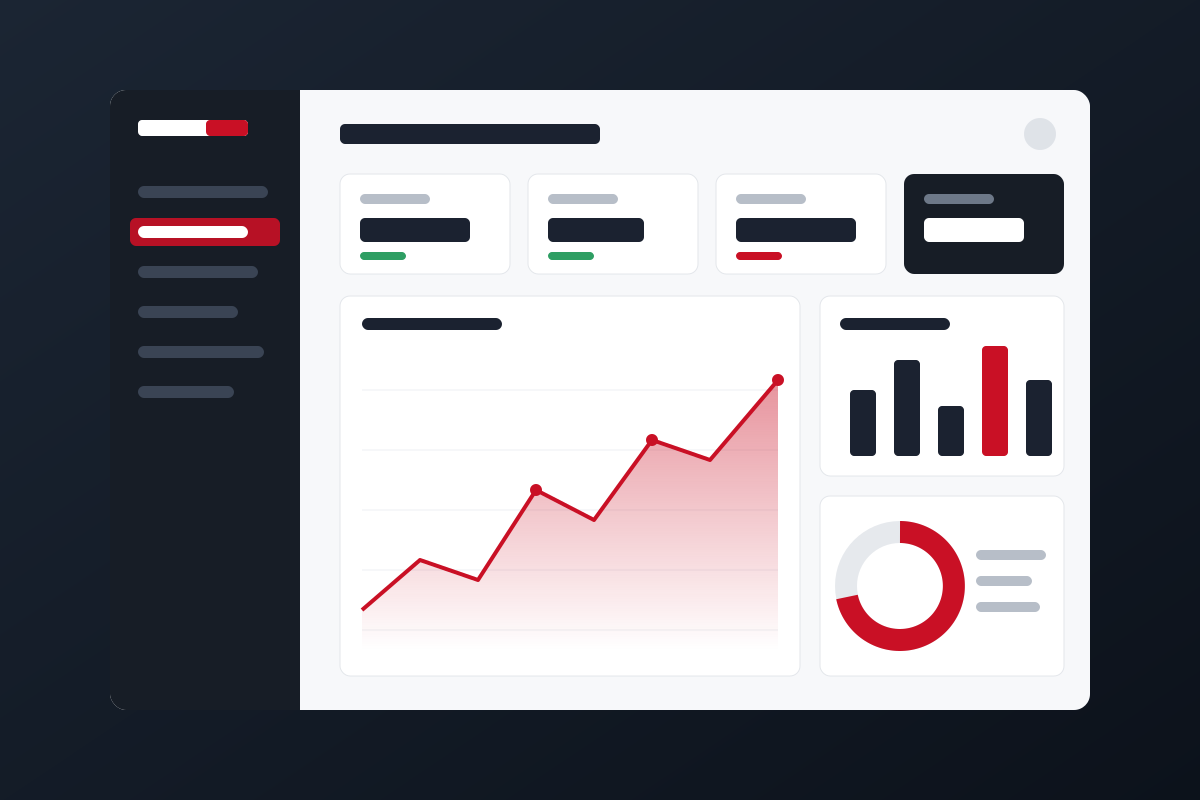
How software helps: Dashboards and reports pull from the same data: budget vs actual, project profitability, labour and material cost, outstanding client payments, supplier and subcontractor liabilities, purchase commitments and cash flow forecasts.
Outcome: Decision-makers see risk earlier and can compare projects on the same basis, instead of waiting for month-end.
How to choose construction financial management software in South Africa
A module list is not enough. Test the software against how your business actually runs.
Core finance capabilities
• Project-based accounting and job costing by cost code
• Budget, commitment and forecast tracking
• Cash flow forecasting and payment tracking
• Procurement linked to project budgets, with supplier invoice matching
• Subcontractor claims and retention tracking
• Multi-project and multi-site reporting
South African fit
• Correct VAT handling and record retention support
• Works with the contract forms you use (JBCC, GCC, NEC, FIDIC)
• ZAR support and local reporting needs
• Integration with the accounting package you already use, such as Sage or Xero
Practical fit
• Usable on sites with unreliable power or connectivity, where load-shedding and weak signal are real constraints
• Local support and onboarding in your time zone
• Ease of use for site teams, not only finance staff
• Pricing that scales with the number of projects and users
Questions to ask any vendor
1. Can you show budget, commitments and actual cost for one project live?
2. How do you handle retention and certified progress claims under our contract forms?
3. Which accounting systems do you integrate with, and how?
4. What happens when a site loses connectivity?
5. What does implementation involve, and how long does it take?
These questions are useful whichever vendor you evaluate.
How Incas supports construction financial management
Incas Construction ERP brings construction project management, procurement, supply chain and financial management together on one platform. Teams work from connected information, so budgets, purchasing and project costs can be reviewed together rather than in separate files.
For contractors running several sites, centralised financial and operational information supports better coordination and faster decisions.
Conclusion
Project financial management is not only about recording expenses. It is about knowing how each decision affects cost, cash flow and margin while there is still time to change the outcome. For South African contractors running several projects, construction financial management software connects budgeting, job costing, procurement, subcontractor payments and reporting, so risks show up earlier and decisions rest on current numbers.